
Source: engadget.com
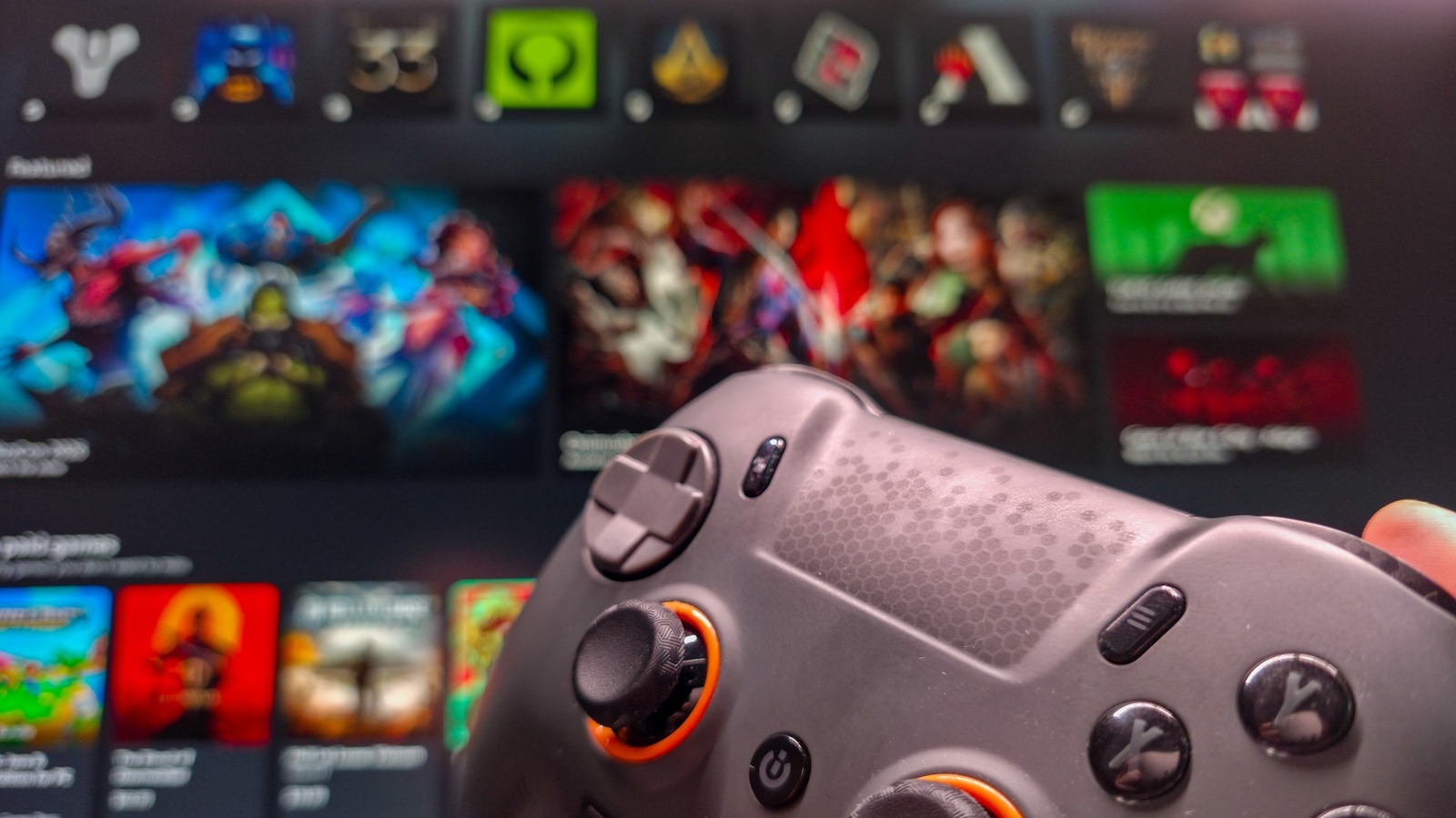
Microsoft’s latest push to make Windows 11 more gamer‑friendly arrives in the form of Xbox mode, a feature that strips away the traditional desktop interface and replaces it with a controller‑optimised, full‑screen experience. Announced amid a wave of updates aimed at quieting the criticism surrounding Windows 11’s usability, Xbox mode began rolling out to PCs in May 2026 and is now available to anyone who keeps their system up to date.
At its core, Xbox mode is not a performance booster; it does not alter CPU or GPU scheduling, nor does it claim to increase frame rates. Instead, it re‑imagines the Windows shell. When activated, the taskbar disappears, the Start menu is hidden, and the Xbox app takes over the screen in a layout reminiscent of Steam’s Big Picture Mode. The goal is to present a clean, console‑like environment where launching games feels as immediate as on an Xbox console.

To turn the feature on, open Settings with the Win + I shortcut, navigate to Gaming > Xbox mode, and toggle the Enable Xbox mode switch. While you’re there, consider enabling Show Xbox mode in Task View for quicker access, and if you primarily use your PC for gaming, switch on Enter Xbox mode on startup so the system boots directly into the gaming interface.

Once enabled, you can enter Xbox mode through several convenient methods:
Exiting is just as simple: return to the Xbox app home screen and click the Exit Xbox mode button, or press Win + F11 again.
One of the most practical advantages of Xbox mode is its ability to aggregate games from disparate launchers. Whether you own titles on Steam, Epic Games Store, Battle.net, Ubisoft Connect, or Humble Bundle, the Xbox app can surface them all in a single library view. Adding a game that isn’t automatically detected is straightforward: click the plus icon in the Library tab and point the app to the executable.
When you launch a title from this unified view, the Xbox app bypasses the native launcher and directly calls the game’s executable. In practice, this works reliably, though the process can be a tad slower than opening the launcher manually. For the smoothest experience, it’s advisable to have third‑party launchers running in the background before entering Xbox mode.
Xbox Game Pass subscribers gain immediate access to their library through Xbox mode, and the feature goes a step further by allowing you to set alternative streaming services as the default. Inside the Xbox app’s settings, you can designate Nvidia GeForce Now (or any other compatible service) as your go‑to cloud gaming provider, meaning the Cloud Gaming tab isn’t locked to Microsoft’s own servers.
While Xbox mode is a welcome addition for any Windows 11 gamer, it shines brightest on devices designed for living‑room or handheld play—think compact PCs attached to a TV or dedicated gaming handhelds. On a traditional desktop gaming rig, the utility is more modest, but it still offers a tidy, controller‑first alternative to the standard desktop. As more players experiment with Linux‑based gaming platforms, Microsoft’s Xbox mode signals a renewed effort to keep Windows relevant in the living‑room space.
Online Assistant


