Source: engadget.com
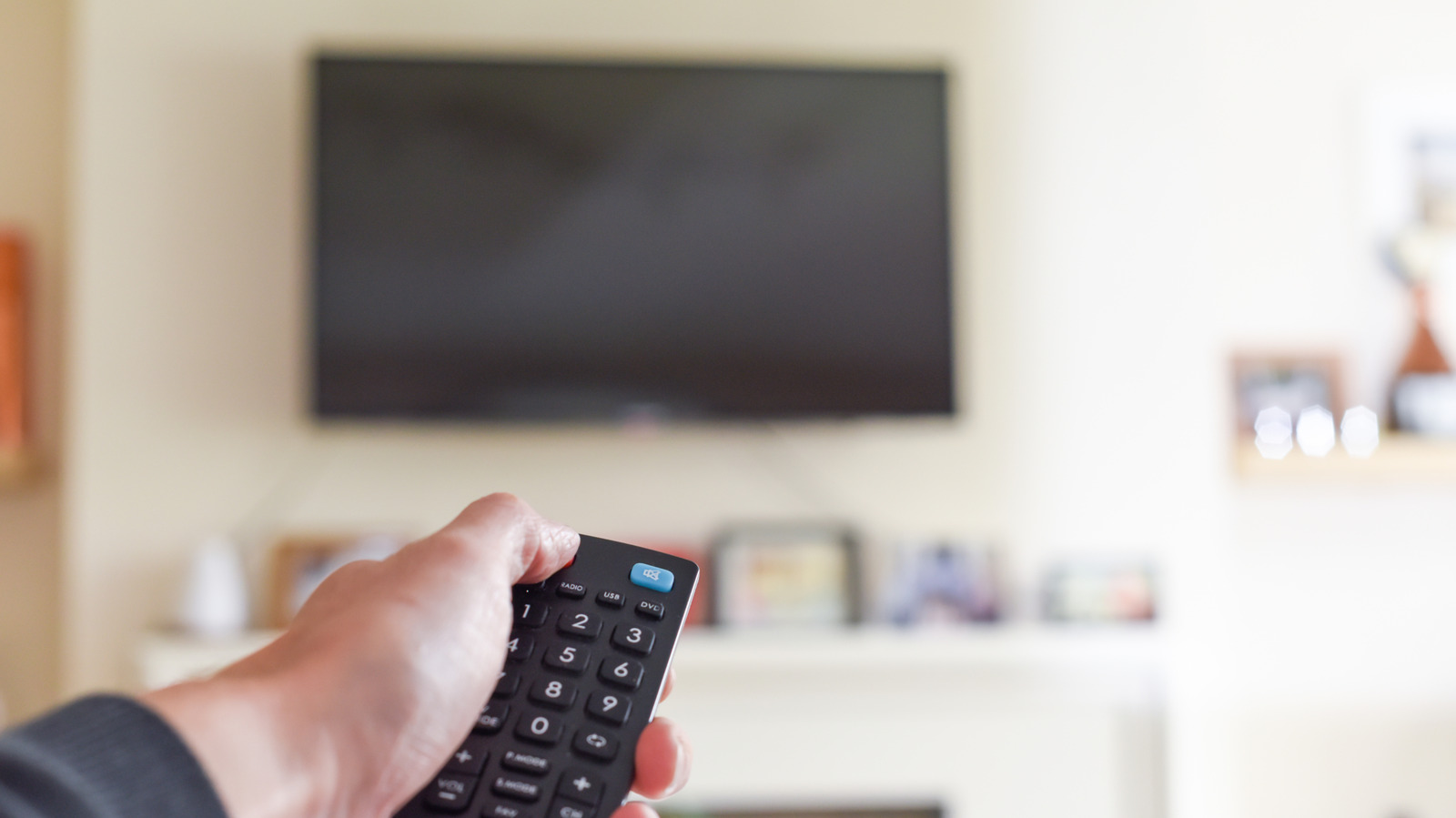
When you press the power button on your remote, the screen goes dark but the TV does not fully shut down. Instead, it enters a low‑power standby state that keeps essential systems alive. This design lets the device wake up almost instantly, avoiding the long boot times that would frustrate viewers.
Modern smart TVs run full operating systems such as LG’s WebOS, Google TV, Amazon’s Fire TV OS, or Roku OS. Booting these platforms can take as long as starting a smartphone, and sometimes longer because many TVs use modest processors and storage. Standby mode eliminates that wait, giving you immediate access to apps and live TV.
While the TV appears idle, it can silently download and install system updates or refresh streaming apps like Netflix and YouTube in the background. This means you never have to sit through an update screen before your favorite show begins.
For OLED televisions, standby mode serves a critical maintenance function. Many manufacturers schedule an automatic compensation cycle, often called a pixel‑refresh routine, to run when the set is in standby. This process helps mitigate image retention and reduces the risk of permanent burn‑in, a known drawback of OLED technology.
If you unplug the TV or cut power immediately after viewing, the pixel‑refresh may be interrupted. Repeatedly blocking this maintenance can lead to uneven wear across the panel and eventually visible burn‑in spots.
Standby power draw is remarkably low. In the United States, ENERGY STAR‑certified models must consume no more than one watt while in networked standby. One watt continuously for a year equals about nine kilowatt‑hours, which translates to roughly $1.50 on the average electricity bill. Even in regions with higher rates, such as California where power costs about double the national average, the annual expense remains modest.
Nevertheless, if you plan to be away for an extended vacation or a month‑long trip, unplugging the set eliminates that small but continuous draw.
Occasionally, a smart TV can feel sluggish due to background processes lingering in memory. A proper reboot clears these temporary tasks and can restore responsiveness. Manufacturers often provide a restart option in the power menu—holding the power button on the remote may bring up a shutdown/restart screen—so you can refresh the system without risking interruption of standby maintenance.
Online Assistant


