Source: engadget.com

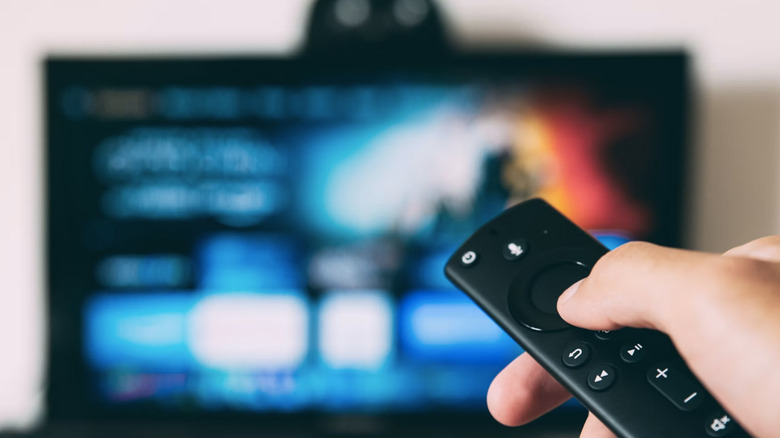
Smart TVs and standalone streaming devices such as Roku, Fire TV Stick and Chromecast essentially serve the same purpose: they give you access to Netflix, Disney+, Hulu and countless other platforms. At first glance this creates a “one or the other” mindset, but there are compelling reasons to keep a streaming stick or box plugged into your television, especially if your set is a few years old.
As Amy Skorheim from Engadget points out, not all smart TVs are created equal. Companies like Amazon, Google and Roku license their operating systems to many different manufacturers, which leads to a wide performance gap between models. Some televisions can technically run apps but feel sluggish because of underpowered processors or outdated software builds.
A dedicated streaming device often ships with a newer, lightweight OS that has been optimized for speed and efficiency. Even if you own an older streamer, replacing it is far cheaper than buying a brand‑new TV, and you instantly gain a snappier interface for browsing and playback.
Devindra Hardawar, also writing for Engadget, notes that modern smart TVs are essentially small computers. As they age, they start to exhibit bugs, crashes and freezes—especially when you try to launch a streaming app like Netflix. The TV’s processor has to juggle background tasks, system updates and multiple apps, which can exhaust RAM and cause stuttering.
A streaming stick or box, by contrast, has a single job: deliver video content. Its hardware is tuned for that task, which reduces the chance of performance hiccups and keeps the interface responsive even after years of use.
Ads have become ubiquitous on smart TVs. Samsung began inserting promotional content into its sets in 2016, and many brands—including Amazon, Roku and TCL—now display ads in various corners of the interface. Even some premium models are not exempt.
While streaming devices are not completely ad‑free, there are more options that avoid built‑in marketing. The Apple TV box, for example, contains no ad slots within its operating system. Likewise, a DIY Raspberry Pi media player can be configured to run ad‑free software, giving you a cleaner viewing experience.
Smart TV manufacturers typically provide firmware updates for a limited period. After a few years, support dwindles, the OS slows down, and security patches become scarce. This can leave you with a television that feels outdated and less reliable.
Purchasing a streaming box or dongle offers a cost‑effective way to continue receiving regular updates. Since these devices are cheaper to replace than a whole TV, you can stay current with the latest app versions and security fixes without a major investment.
Certain streaming boxes go beyond basic playback. The NVIDIA Shield, for instance, supports game streaming from services like GeForce NOW and can handle local game installations. Many devices include USB ports or micro‑SD slots that let you attach external storage, making it easy to build a personal Plex media server.
Other handy additions include remote‑finder buttons, voice‑search capabilities, and the ability to sideload apps or upload your own video files for playback through a media player.
Finally, the physical design of streaming sticks adds a layer of convenience. A dongle weighs only a few grams and can be moved from one TV to another in seconds. This makes it ideal for travel—simply pack it in your luggage and plug it into a hotel TV to enjoy your favorite shows without relying on the property’s built‑in smart platform.
In summary, while a modern smart TV with a fast, up‑to‑date OS may not need an extra stick, many users benefit from the added speed, reliability, ad‑free options, longer software life, unique capabilities and portability that a dedicated streaming device provides.
Online Assistant


